Chrome extension
Your prompt library, right beside your AI chat.
Save useful prompts from the web and insert them into supported AI chats without switching tabs.
Add to Chrome — freeFind a prompt. Drop it into the conversation.
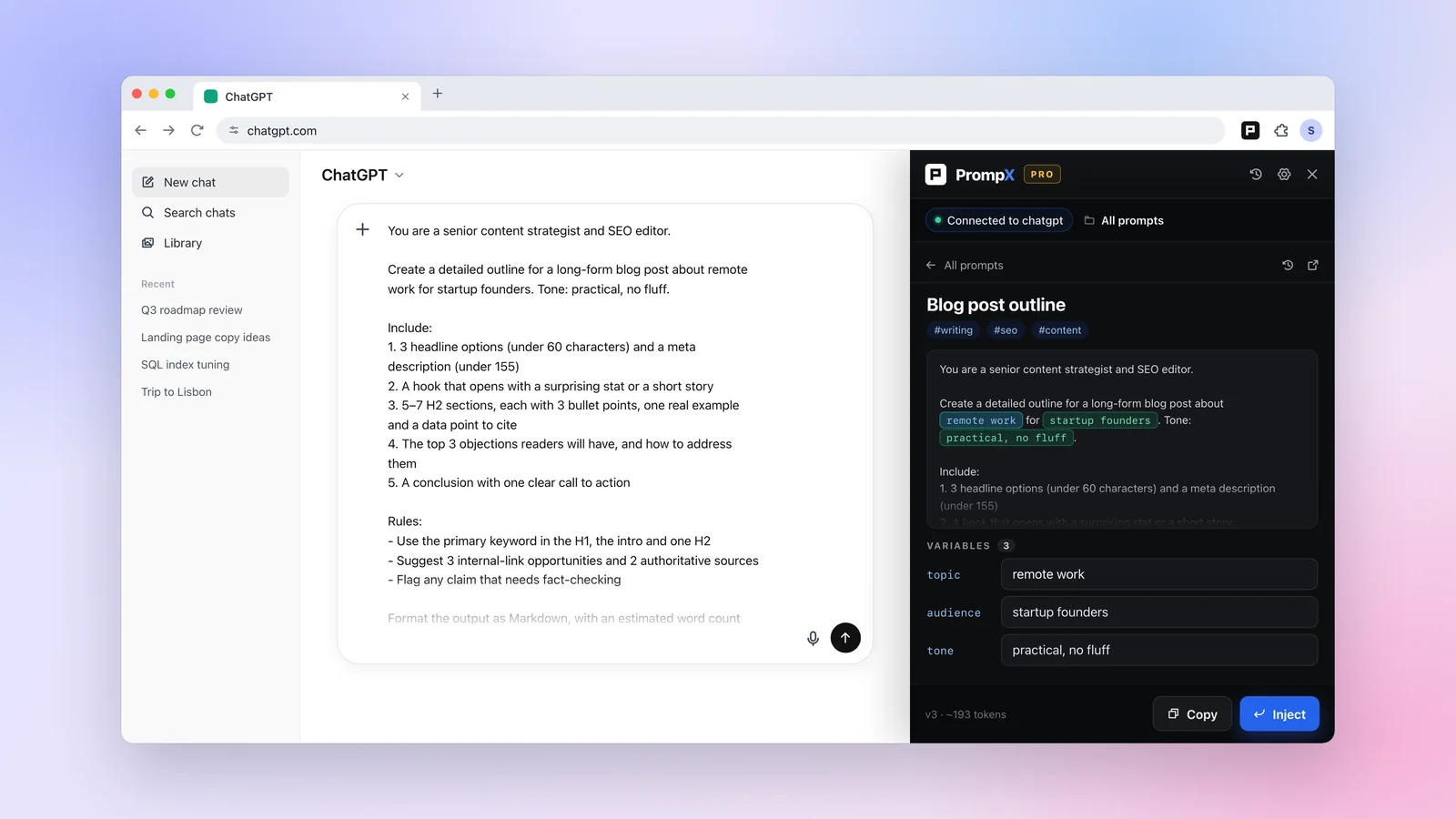
Browse and search your library in the side panel, then insert a saved prompt into a supported chat. Works with platforms including ChatGPT, Claude, and Gemini.
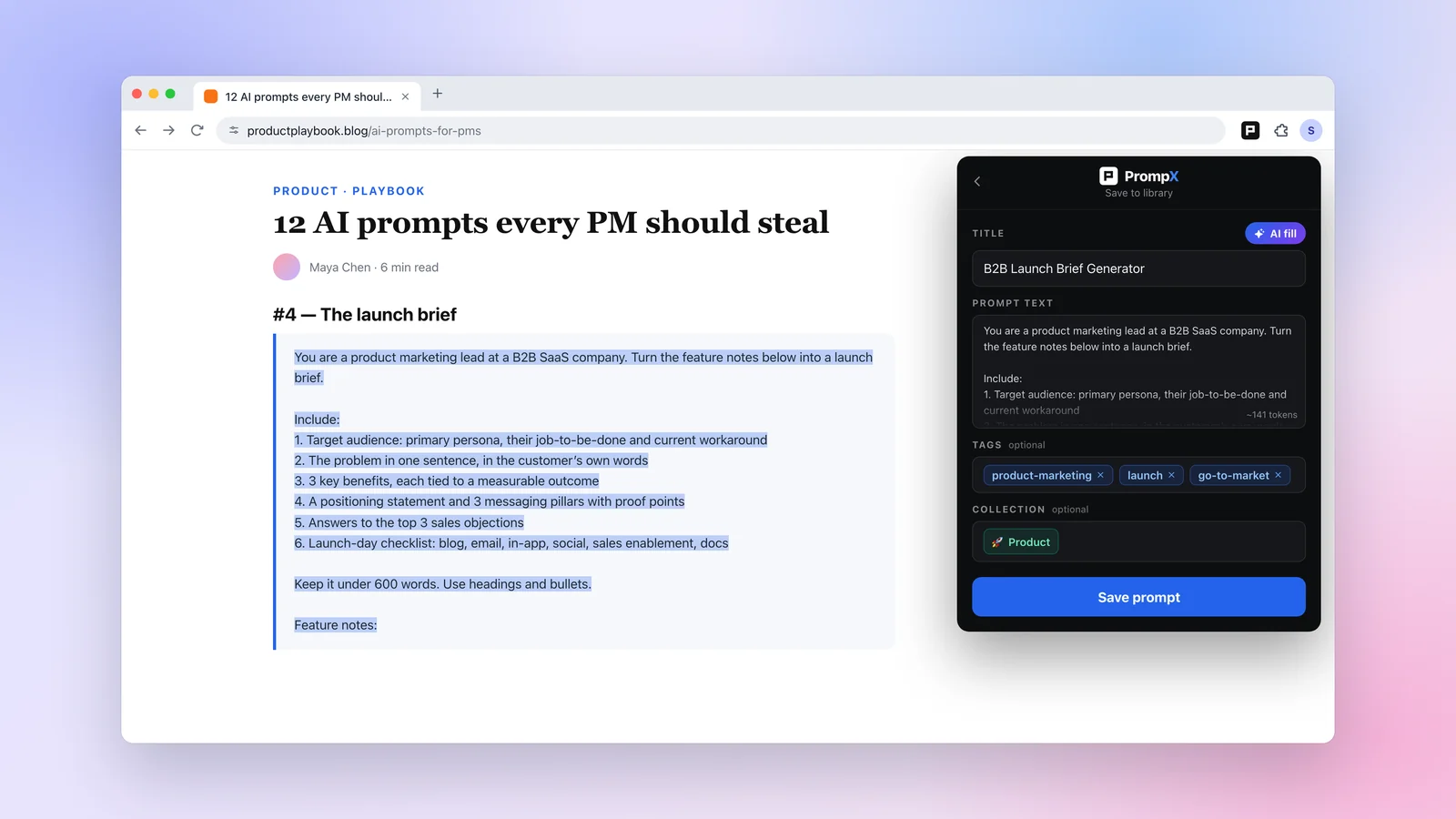
Save a useful prompt before it gets lost.
Select text on any page and save it to PrompX. AI fill writes the title and tags, so it's easy to find later.
Keep your hands on the keyboard.
- Alt + Shift + P
- Toggle side panel
- ↑ / ↓
- Navigate prompts
- Enter
- Expand prompt
- C
- Copy
- I
- Insert prompt
- /
- Search
- Esc
- Dismiss